One of the hobbies I picked up this year was to be an Internet Service Provider (ISP) wannabe using Fiber to the Home (FTTH).
I was just so fascinated with FTTH technology and how accessible acquiring the equipment needed to implement it. It’s expensive, but not out-of-reach expensive. Imagine the jump of technology from CAT6 (4 pairs of copper wires) limited to 100 meters, to a single strand of fiber than can support over 100 km length at faster speed! It’s super fascinating for me.
I kept researching how it works. Knowing myself, I will only learn if I put skin in the game.
In the process, I learned a ton of new acronyms:
OLT: Optical Line Terminal
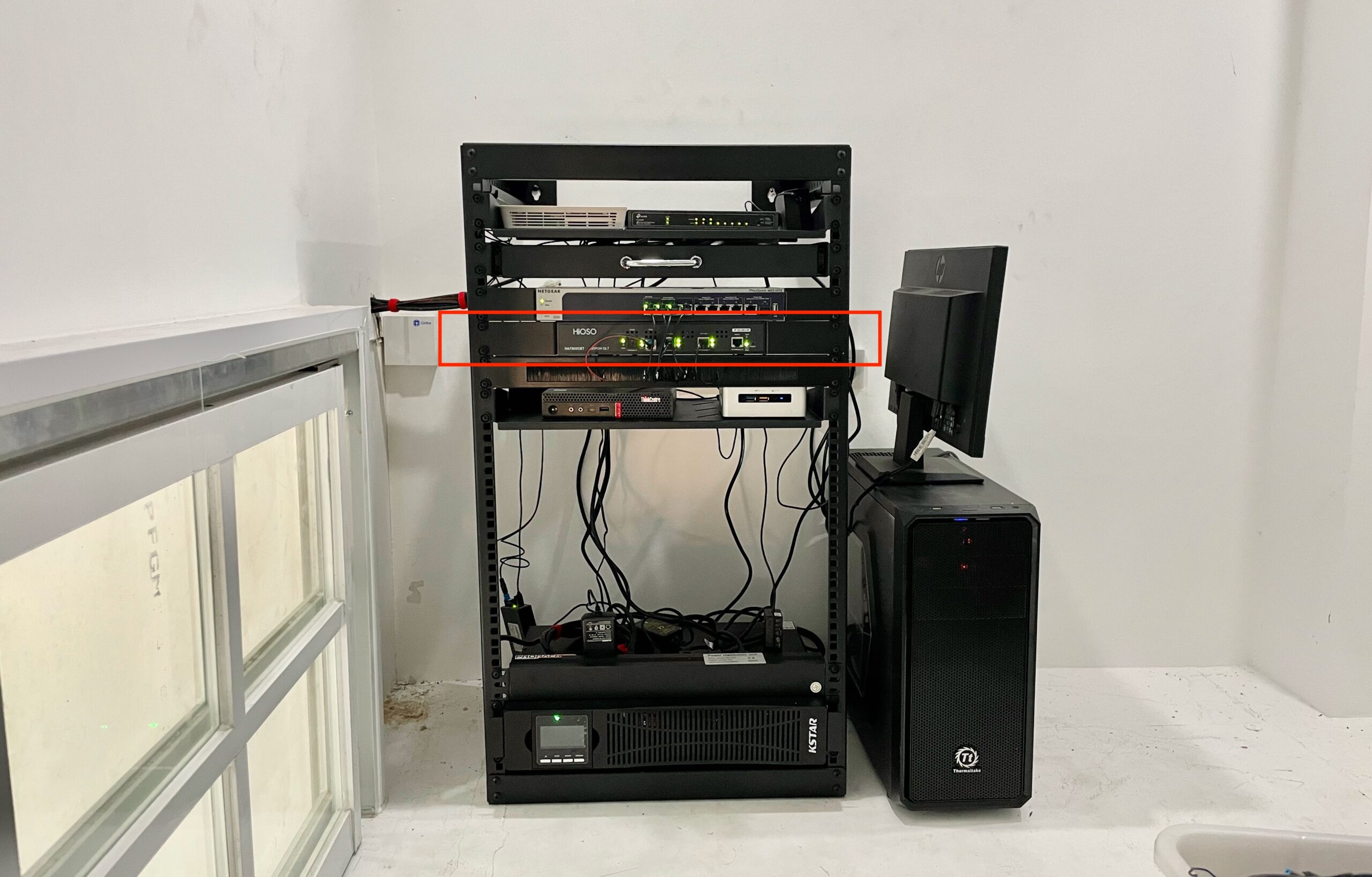
This is the most expensive part of this hobby. OLT is like the network switch for fiber. It allows transmission to multiple ONU (more on this later).
I chose the cheapest OLT I could find, specifically looking for a local supplier so I can quickly get a replacement if ever it malfunction.
I got a HiOSO HA7302CST. It’s an EPON OLT that has 2 PON ports that can connect up to 128 ONUs.
PON: Passive Optical Network
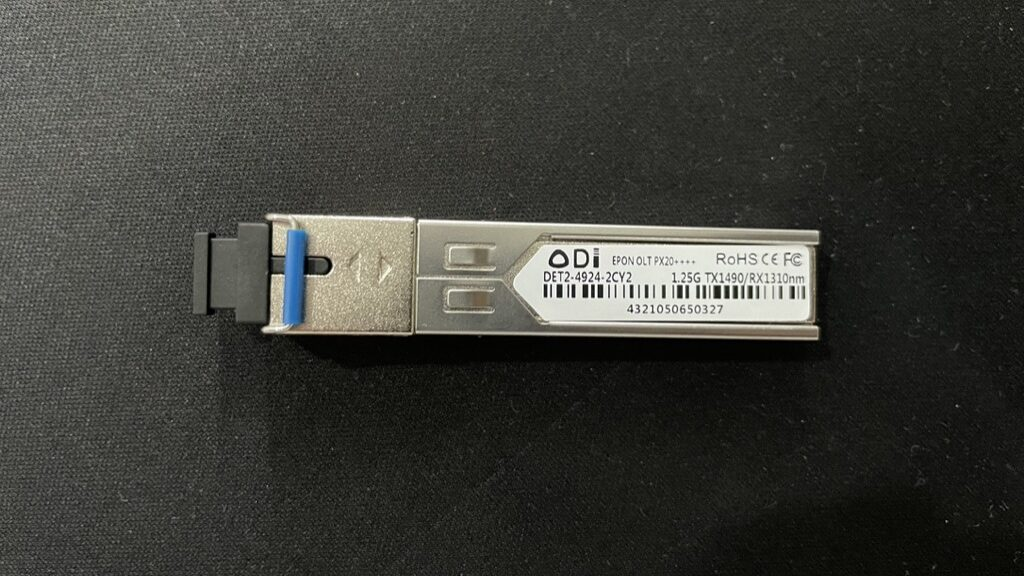
PON is what the technology is called. It’s passive, meaning it does not require electrical components to split or combine the signal. It literally uses light to transmit data.
There are 2 common types of implementation. EPON and GPON. EPON has symmetrical speed, GPON have faster downstream speed. GPON is what PLDT, Globe use as it has more capacity per fiber line. EPON is generally cheaper.
ODN: Optical Distribution Network
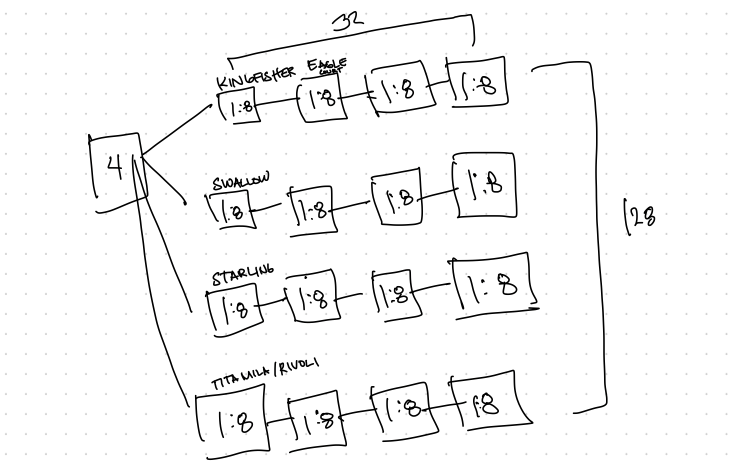
ODN is how the fiber are physically laid out.
We have a couple of properties in the same village. What I did is I installed a 1:8 NAP on each property to provide internet service to the house itself and it’s nearby neighbors.
NAP: Network Access Point
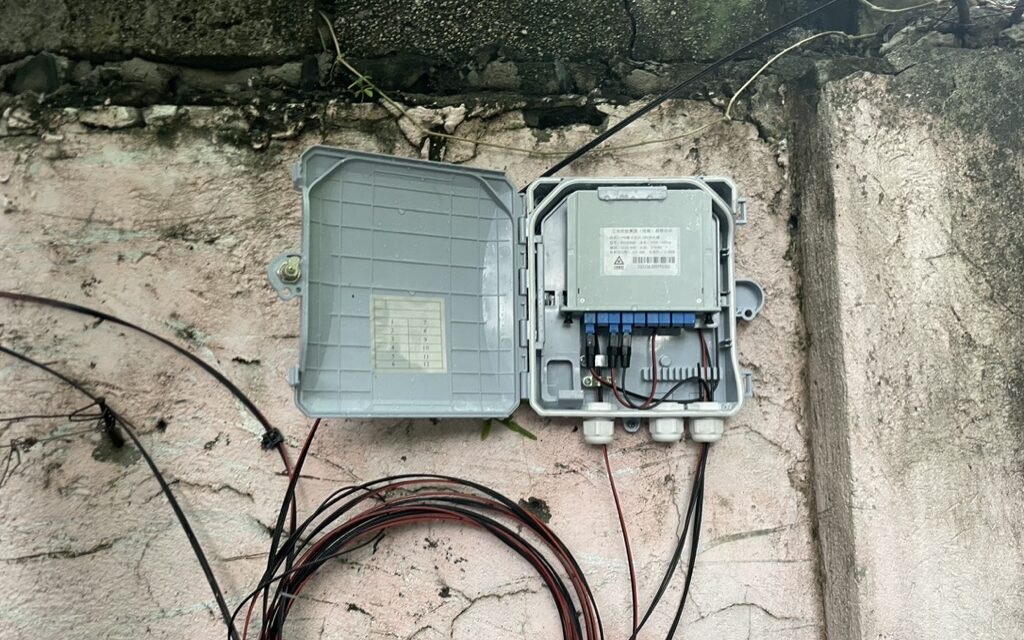
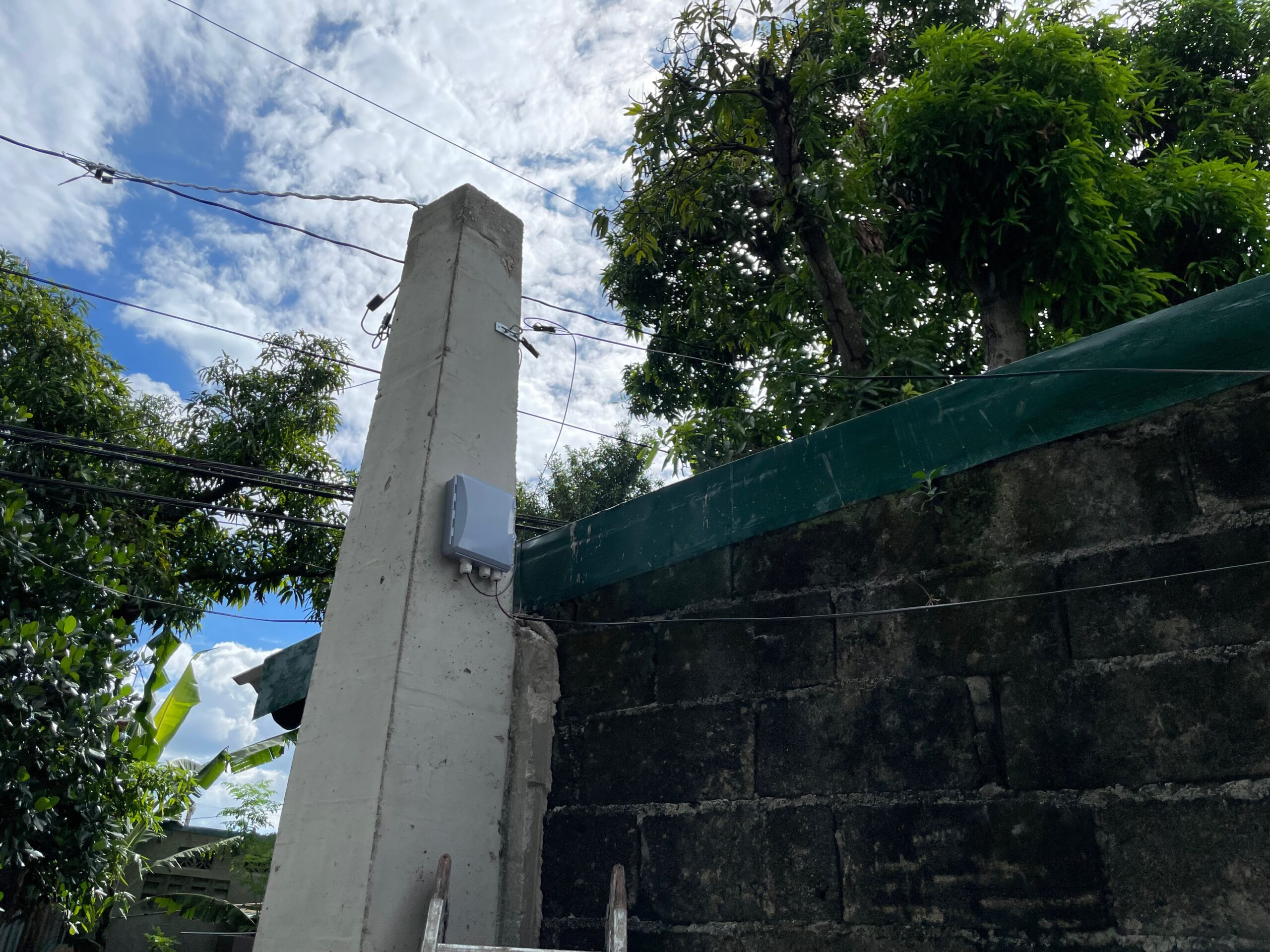
NAP are the boxes where the signal from PON is split. It can be split on different ratios with different signal loss depending on how large the split is.
| Splitter Type | Insertion Loss (dB) |
| 1:2 | 4.0 |
| 1:4 | 7.4 |
| 1:8 | 10.5 |
| 1:16 | 13.5 |
I opted to use 1:8, since I’m not seeing myself acquiring a lot of subscribers.
ONU: Optical Network Unit
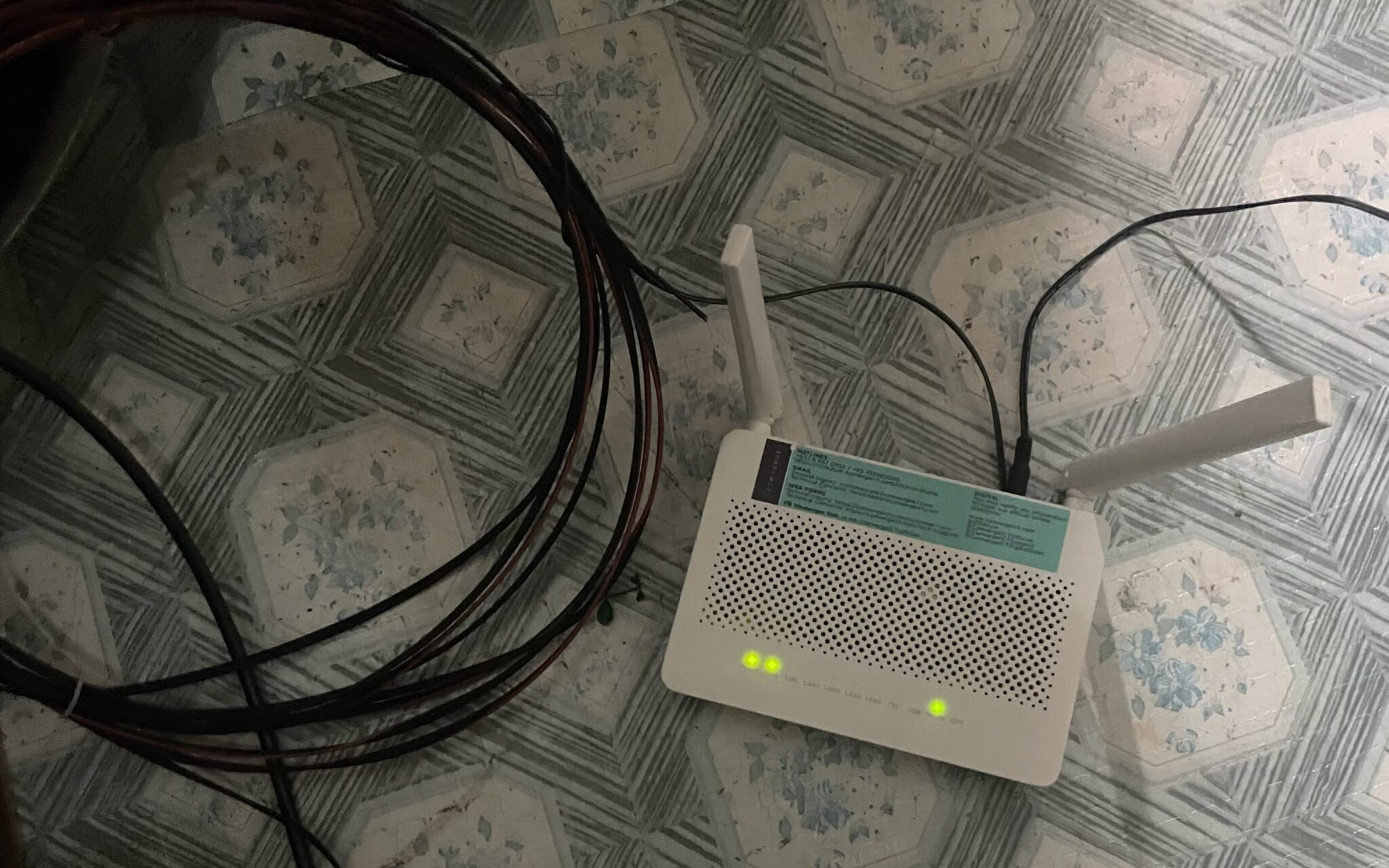
ONU are the modem that converts the signal from fiber and make it available through Ethernet and WiFi.
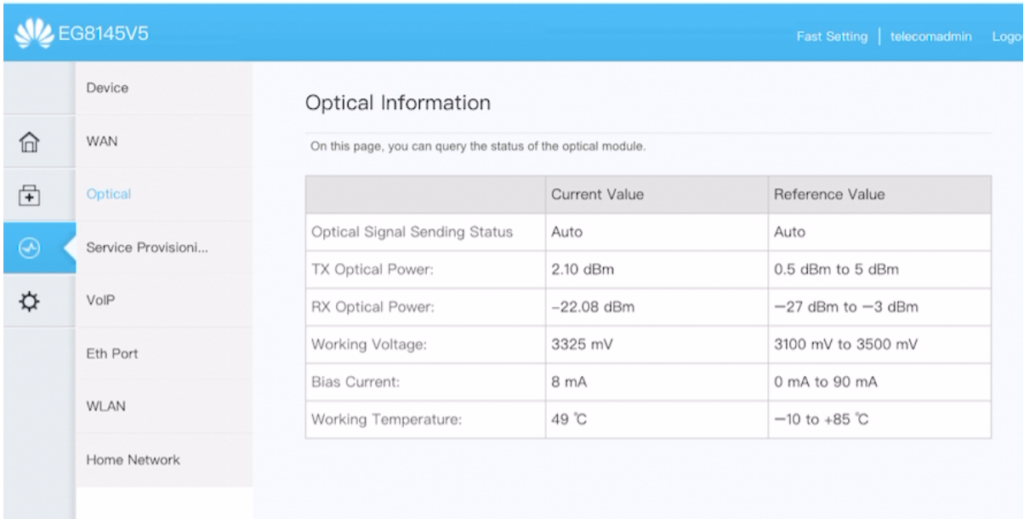
I learned that Huawei EchoLife HG8145V5 is very popular modem in Facebook Marketplace because it’s what the major telecom uses. Unused modems from disconnected/terminated subscribers are being sold in the second-hand market.
It’s possible to reuse it outside the telecom’s network because there’s an exploit for Huawei modems that allows root access to the device and convert it from GPON to EPON ONU. This was fascinating too!
SC-UPC / SC-APC: Subscriber Connector
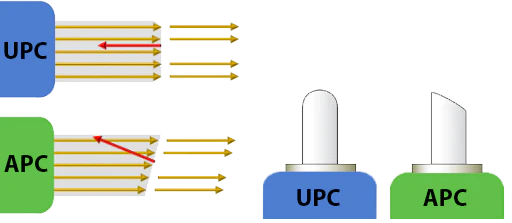
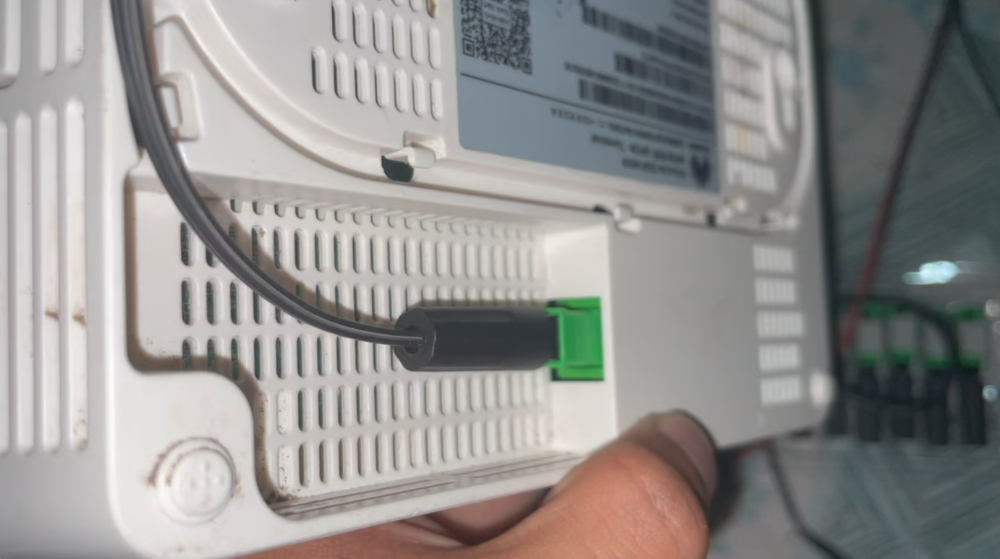
There are two types of subscriber connectors. SC-UPC (Blue) and SC-APC (Green). The difference is how their end is polished (angled vs not angled). It can be interchangeably used, but it will incur a notable signal loss.

I learned how to terminate it myself. So much easier than terminating a CAT6 cable.
Loss Budgeting
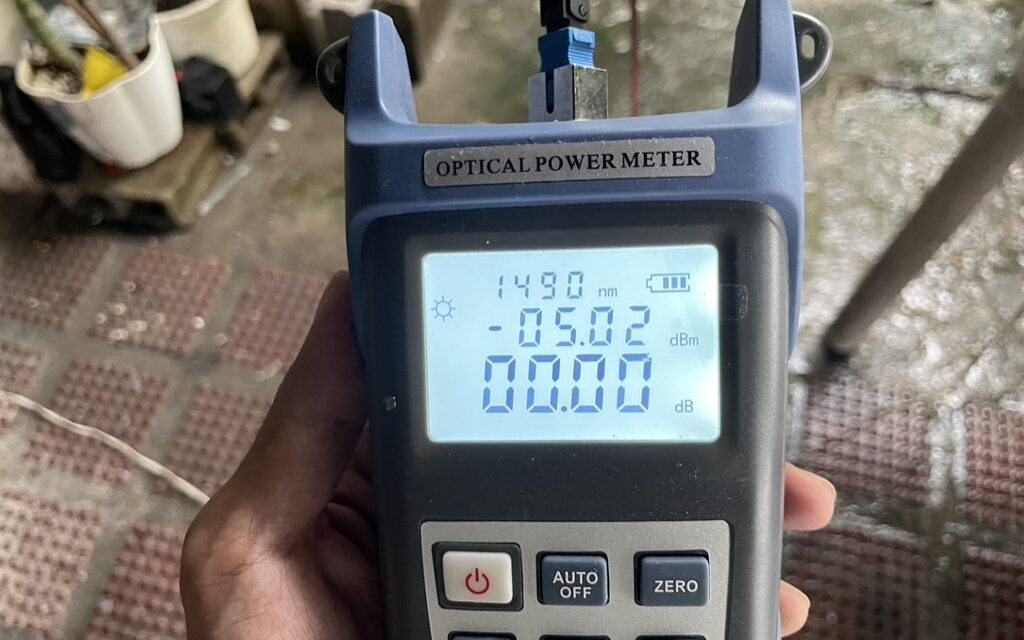
From the OLT, you start with the PON module signal which in my case is 7-9 dBm depending on the module. The loss must not to be more than -27 dBm when it reaches the ONU.
For every split and every termination, there will be signal loss incurred.
A computation is required to get an estimate of the final signal strength. I learned that it’s called loss budgeting — making sure that the signal does not go below the threshold from OLT to ONU.
-
I’m now an ISP for a couple of houses in village. It’s mostly family and friends. No plans on expanding, just wanted to scratch an itch and learn about the thing. Fun stuff!
Related: Implementing a Free WiFi for a Whole Compound with TP-Link Omada, Getting My Own ASN and IP Addresses: APNIC or RIPE and Finding a Philippine-based VPS.