My KSTAR YDC9101S RT UPS battery died a couple of months ago. I’ve been delaying fixing it because I didn’t want a hackish solution since it involves electricity. I also didn’t want to put my servers offline for uncertain amount of time.
The manual says the my UPS battery is not user-serviceable, I was directed to call for a service. I didn’t want to.
I knew that it has to have a battery inside, I just need to figure out how to pull it out. I also didn’t know if I could take off the battery without the UPS shutting down.
How to remove the internal battery
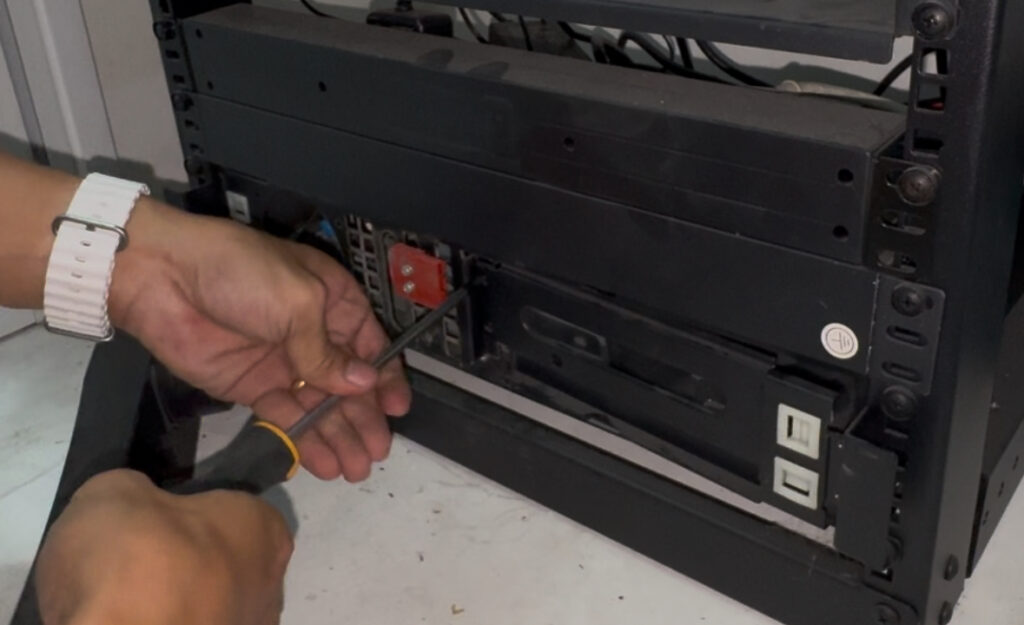
- Pull out the front panel
- Remove the battery connector
- Unscrew the 4 screws and the metal panel will be loose
- Pull out the battery
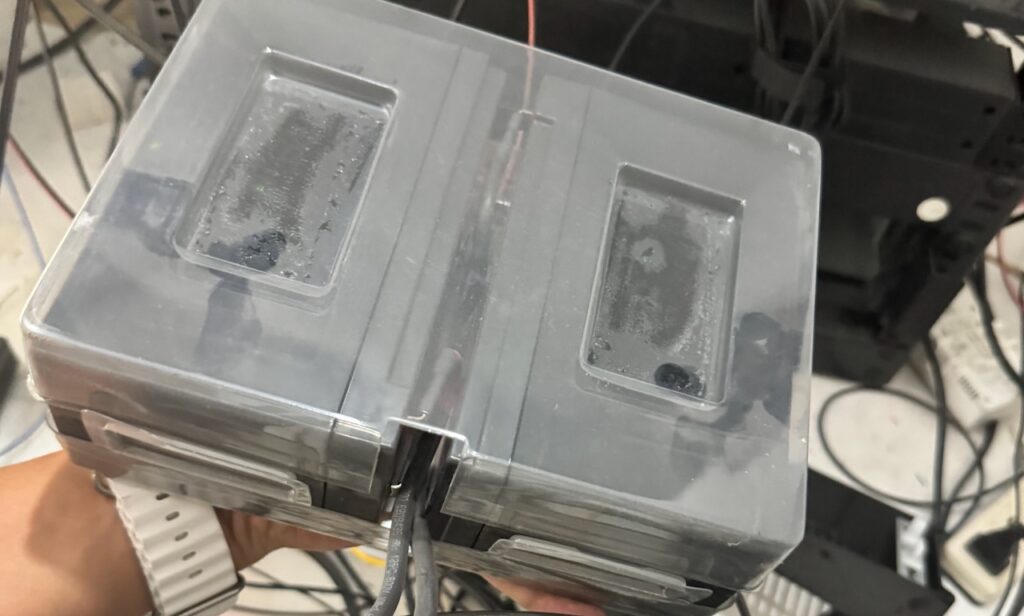
The battery is a lead-acid 12v9ah enclosed in a thick plastic. Connected in a series to make it 24v9ah.
Will the UPS work without battery?
Yes, as long as 1) Bypass mode is enabled in the settings 2) It has already started/working. Start up without battery does not work.
First attempt: Using original battery connector
The cost of 12v9ah battery is almost the same as 12v25ah. With 250%+ more capacity, I couldn’t justify buying the lower capacity.
The issue with 12v25ah is the form factor. It does not fit inside the UPS battery container.
What I end up doing is get the battery connector from the original battery and connect it to my new battery outside the unit.

I wasn’t satisfied with this especially the battery connector is in front and I could not close the front panel.
Second attempt: Using External Battery Pack Connector
I read in the manual that this can support an external battery pack. It is also rack mounted and there’s a port at the back to connect it. This also gave me the confidence that it can support bigger capacity batteries.
I’m pretty sure that it’s just a parallel connection to the internal battery. What I did not know and not written in the manual is what type of port it’s using.
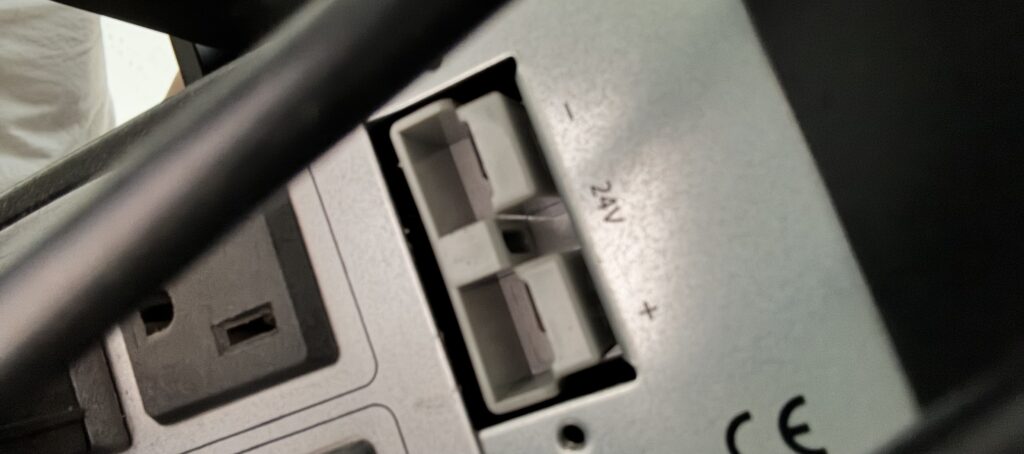
After searching Lazada for all sorts of battery connector, it turns out it’s an Anderson Connector rated at 50a.
I found one that’s pre-terminated with terminal lug at the end.

Now it looks like this
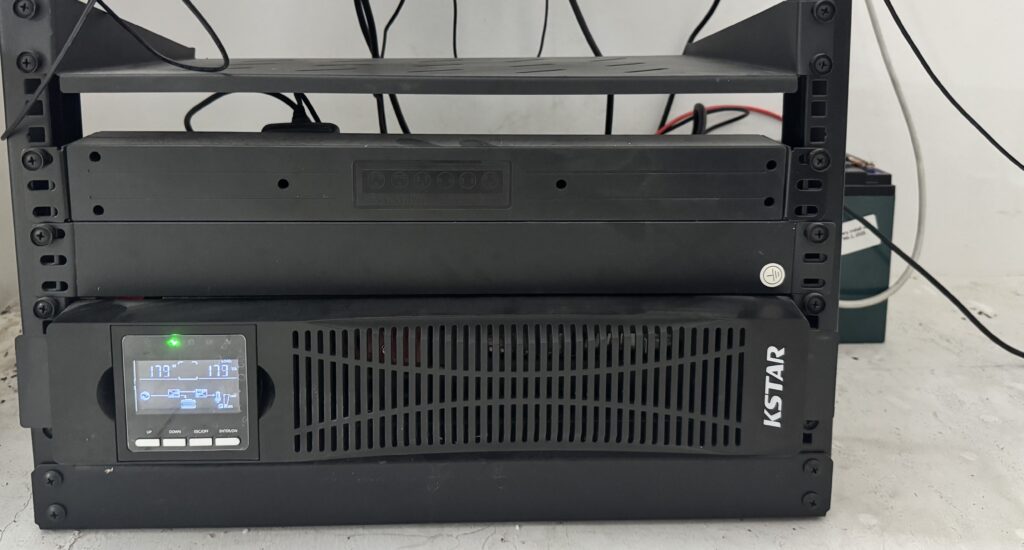
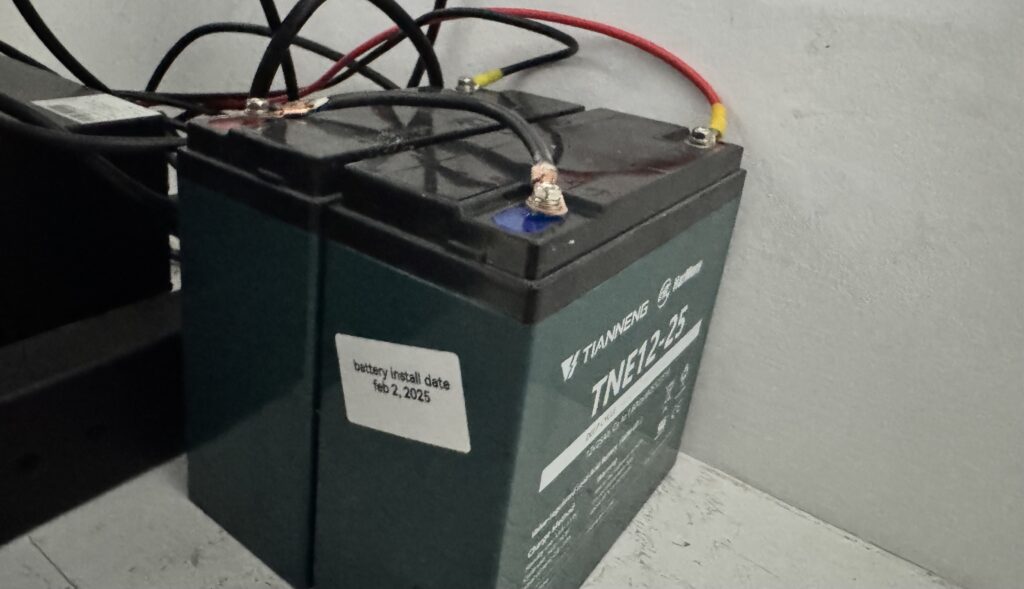
Much better!
I can now confidently setup new servers. Next step: I need a sandbox/staging Proxmox server for all the things I’m looking to experiment to.