I continued with my Xpenology Experiments when I remember that there was an NVR that’s using an older version of Nvidia GPU: DVA3219. It’s officially paired with GTX 1050Ti which is the same generation of the GPU I have in hand.
I checked if any of the bootloaders have support with DVA3219 platform, arpl-i18n does under experimental platforms.
I quickly tried it up again. The installation had no issues. It detected the GPU just like with DVA3221. But I’m still not sure if any AI tasks will work.

I installed Surveillance Station, added 1 IP camera and setup AI tasks.
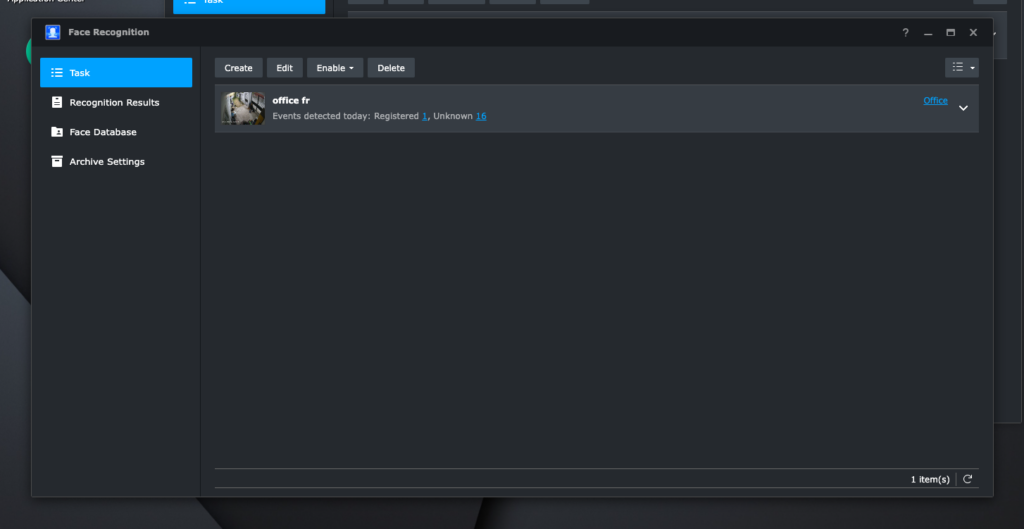
Facial Recognition works!


Object Detection works!
Intrusion Detection and People Counting did not work though.

Another interesting thing is I can run up to 3 AI tasks at the same time. Having AI tasks enabled directly reflects in GPU utilization.

Power Consumption
| No AI tasks | ~50w |
| Facial Recognition Only | ~100w |
| Object Detection Only | ~80w |
| Facial Recognition + Object Detection | ~100w |
Running this machine 24/7 would roughly translates to around 700 pesos per month (@ 10 pesos/kw)
Where to use: CRYSTALDIN-NAS
It’s fun that I found a use for this GPU. I got it for free but I really have no use for it.
I have a server running at CRYSTALDRIN that has a free x16 PCIe port. It’s running Proxmox. I can set up a virtual DVA3219 with GPU Passthrough and have this up and running.
I still have reservation with the monthly cost. An alternative is to use a Intel-based GPU which would only use around 20w (80% less, around 144 pesos per month).
Let’s see!
Related: Enterprise-grade CCTV on a Consumer-grade Hardware and Enable IOMMU on Proxmox, Plus Real IOMMU Groups.